How to Fix Cumulative Layout Shift (CLS) Caused by WordPress Ads
A technical guide to understanding why WordPress ad scripts destroy CLS scores and how to fix layout instability permanently — manually and through proper infrastructure.
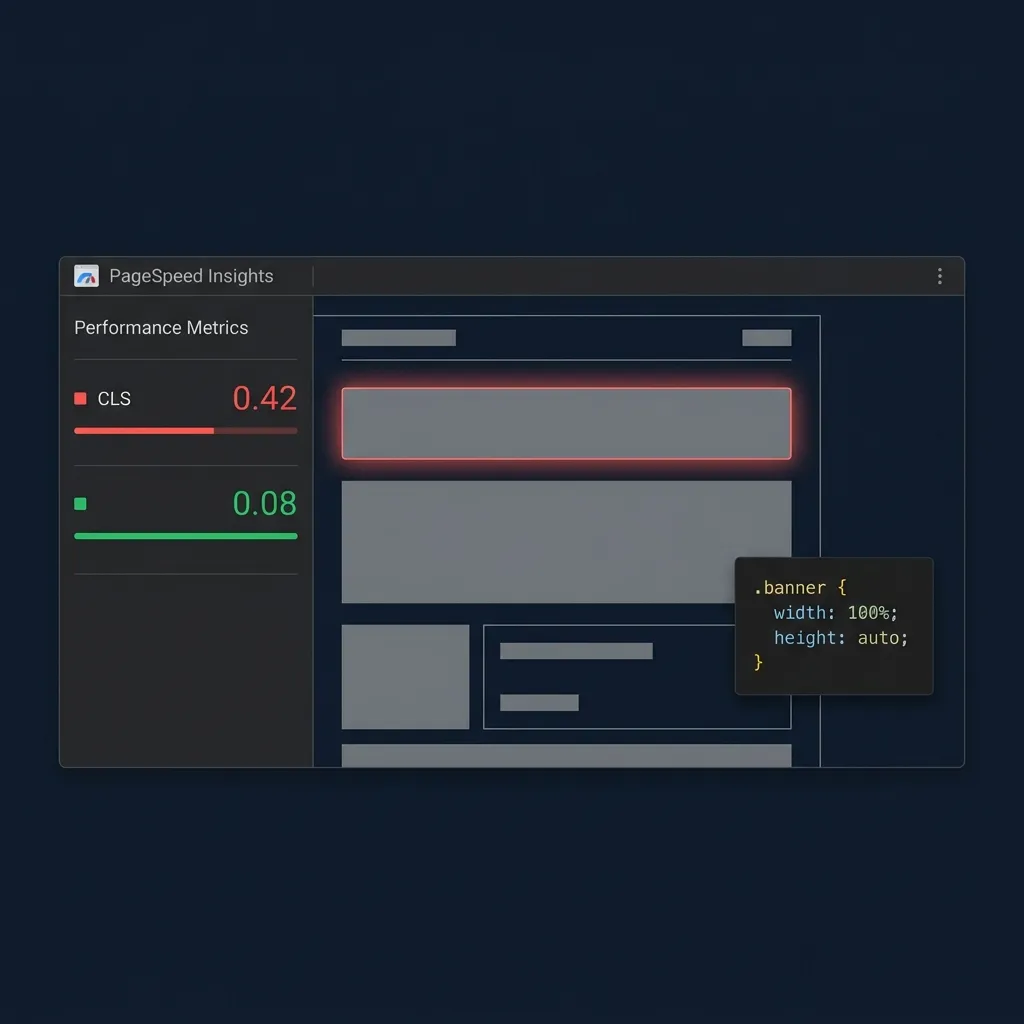
Cumulative Layout Shift is a Core Web Vitals metric that measures how much your page’s visible content moves unexpectedly during load. Google’s threshold for a “Good” CLS score is 0.1 or less. Most WordPress publishers running standard ad setups score between 0.25 and 0.5 — a range that actively damages search ranking and user trust.
The cause is almost always the same: ad scripts loaded asynchronously, with no reserved space in the layout.
The Core Web Vitals Reality
When a browser parses your HTML, it builds a layout tree. Every element gets assigned dimensions. If an element has no declared width or height, the browser allocates zero vertical space for it and moves on.
Ad tags are typically injected via third-party JavaScript — Google AdSense auto-ads, header bidding wrappers, ad network SDKs. These scripts fire asynchronously, after the initial layout pass is complete. When the script finally resolves and fetches a creative, the browser must now insert a 90px, 250px, or 600px tall banner into a slot that was reserved zero space.
Every element below that slot gets pushed down instantly. If a user was in the middle of reading, their paragraph jumps. If they were about to click a button, their click lands somewhere else.
This is a layout shift. It is measured, scored, and penalized by Google.
The frustrating part is that the ads themselves are not inherently the problem. The problem is the absence of spatial pre-allocation before the script fires.
There is no browser-side fix. The reservation must happen in your HTML and CSS before any external script runs.

The Technical Fix: The Layout Reservoir
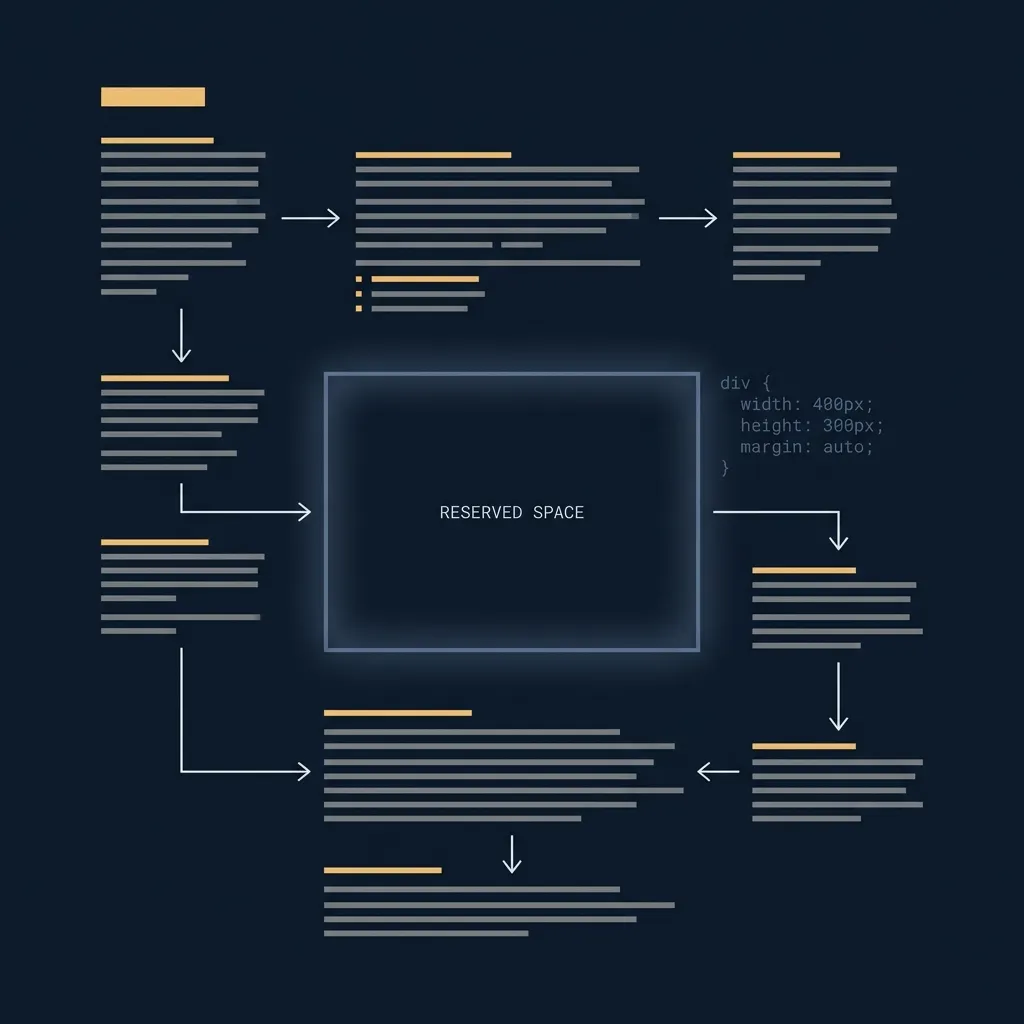
The fundamental solution is to enforce a strict CSS bounding box that locks the ad container’s physical dimensions in the browser’s layout tree before the external script executes.
The pattern looks like this:
<div class="ad-container" style="width: 728px; height: 90px; max-width: 100%;">
  <!-- Ad script loads here -->
</div>
.ad-container {
width: 728px;
height: 90px;
max-width: 100%;
overflow: hidden;
/* Prevent collapse when the ad hasn't loaded yet */
min-height: 90px;
}The browser now knows the space exists. It allocates 90px of vertical height to that container during the initial layout pass. When the ad script fires and inserts the creative, nothing moves — the space was already claimed.
For responsive placements, aspect-ratio is the cleaner approach:
.ad-container {
  width: 100%;
  aspect-ratio: 728 / 90;
  overflow: hidden;
}
This pattern works for any fixed-dimension ad format — leaderboards (728×90), medium rectangles (300×250), half-pages (300×600), and mobile banners (320×50). The key requirement is that the wrapper dimensions are declared statically in HTML/CSS, not computed after the ad script resolves.
The fix sounds straightforward. In practice, applying it consistently across dozens of placements, multiple device breakpoints, and hundreds of pages is where the operational problem begins.
Why Manual Implementation Breaks at Scale
Consider a typical publisher running:
- A leaderboard above the fold (728×90 desktop, 320×50 mobile)
- An in-content rectangle after paragraph 3 (300×250)
- A sticky footer banner on mobile (320×50)
- A sidebar ad on archive pages (300×600 desktop only)
Each of these requires a separate, correct wrapper with the right dimensions. Change the ad format? Update the wrapper. Add a new placement? Write a new wrapper. Forget one? Your CLS score spikes on that page type.
Most publishers hardcode these wrappers inconsistently, or not at all. The ad plugin drops the raw <script> tag and leaves the layout reservation to chance. This is one symptom of a fundamentally broken ad management workflow that goes deeper than CLS alone.
How AdVajra Automates Layout Stability Natively
AdVajra treats layout stability as a first-class engineering requirement — part of what modern WordPress ad infrastructure actually means, not an afterthought.
1. Ad Studio Dimension Mapping
When you create a banner or code embed inside the AdVajra Ad Editor, the interface requires explicit width and height inputs. These values are stored directly as _advajra_dimensions metadata against the placement record.
This is not optional metadata. It is a structural property of the ad object itself — the same way an image tag requires a src.
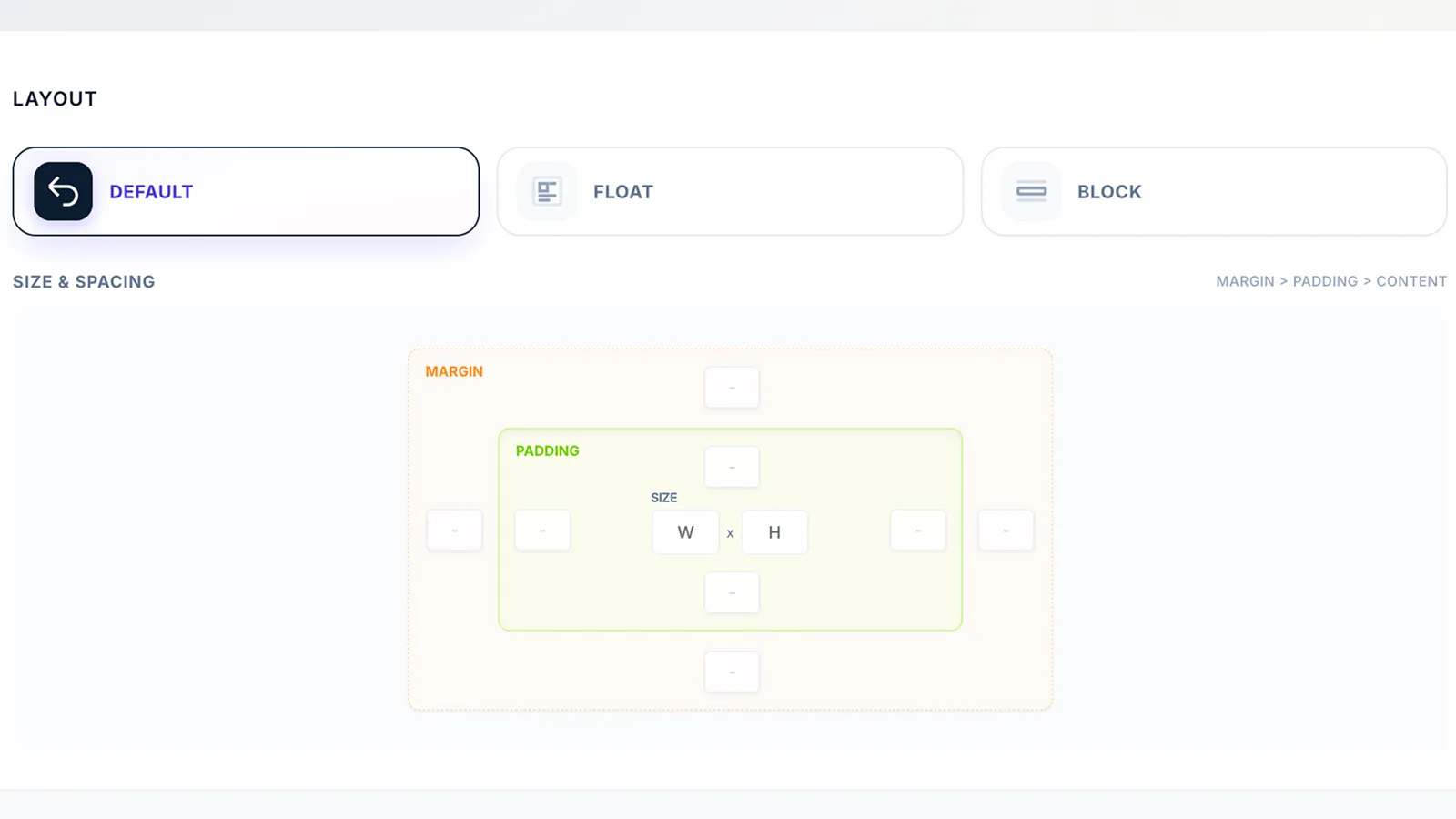
The dimensions are stored at creation time and travel with the placement record wherever it is deployed — shortcode, block, hook, or programmatic injection.
2. Native Container Pre-Reservation
AdVajra’s frontend delivery engine reads _advajra_dimensions during WordPress’s render pipeline and outputs the structured wrapper before the external ad network script tag:
<div class="advajra-slot"
     style="width: 728px; height: 90px; max-width: 100%; overflow: hidden;"
     data-advajra-id="placement-123">
  <script async src="https://pagead2.googlesyndication.com/..."></script>
</div>
The browser parses the wrapper first. The space is locked. The script fires asynchronously into an already-reserved container. No shift occurs.
This happens automatically for every placement, across every device size, without the publisher writing a single line of CSS.
3. Live Frontend Preview Mode
The last common failure point is verification. Publishers often assume their placements are stable without confirming it visually across device types.
AdVajra includes a nonce-protected Live Preview mode accessible via the WordPress admin toolbar on the actual frontend. It renders the placement containers — with their exact reserved dimensions — visible and labelled on the live page, without serving live ad creatives.

This lets publishers confirm slot dimensions, check responsive breakpoints, and verify nothing is colliding with content — before a single live impression is served.
A Note on Scores vs. Real-World Behaviour
CLS is measured over the entire lifetime of a page visit, not just the initial load. Ads served into lazy-loaded slots, infinite scroll positions, or delayed AJAX content all contribute to the score if their containers are not pre-reserved.
A complete fix means every ad container on every page — above the fold, in-content, and below — has explicit, pre-declared dimensions in the layout before the script fires.
If you are auditing an existing WordPress site, start with Chrome DevTools’ Layout Shift Regions visualizer (available under Rendering → Layout Shift Regions). It will highlight precisely which elements are shifting and by how much, letting you prioritize which placements to fix first.
The root cause is almost always missing or incorrect container dimensions. Fix those, and the score follows.
Stop leaving ad revenue on the table.
Get the Delivery Risk Queue, Click Fraud Protection, AdBlock Recovery and more.